



Rollanzia App for Android & iOS
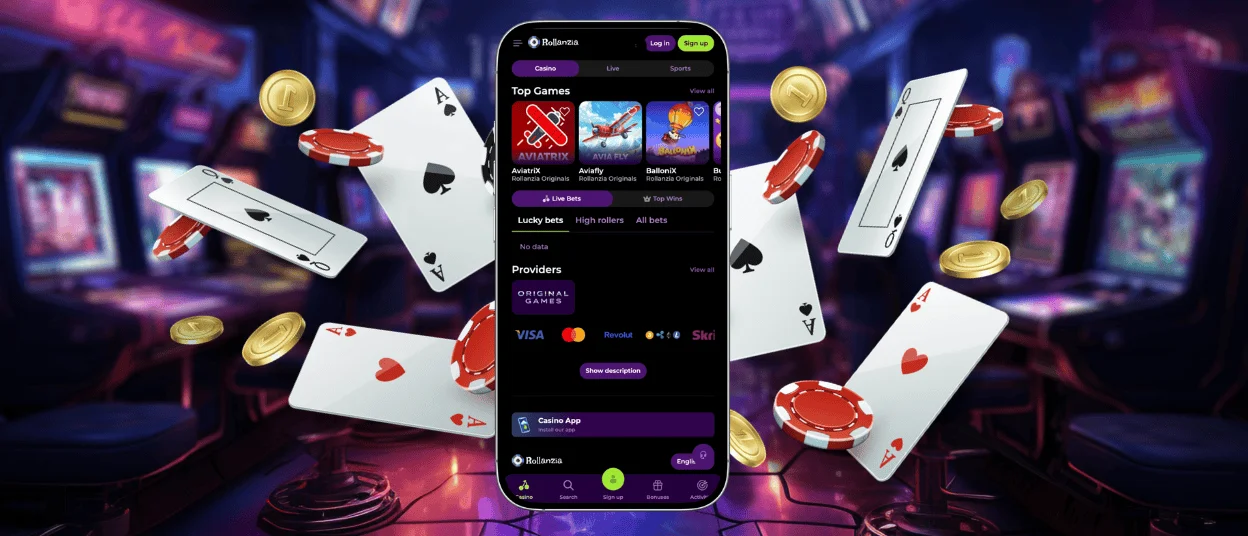
People are more mobile than ever these days, and we addressed this challenge by introducing our own Rollanzia App. With this compact solution, you can always carry a mobile casino wherever you go, regardless of your preferred device. It’s a perfect choice for everyone who visits us via a smartphone or a tablet.



Using the Rollanzia App
We don’t only want your time with us to be entertaining—we want it to be enjoyable, and that includes many factors beyond the variety of online slots. User experience improvements become pivotal in that task, but there is only so much we can do with the browser version of the website.
A dedicated app seemed like a natural solution, but another issue arose: we wanted Rollanzia to be available for all devices without taking up much space. An app version for each operating system would require development and support teams, and that complicates things. That’s why we opted for the golden mean: a Roll Anzia PWA.
Progressive Web Applications offer an app-like gaming experience without its drawbacks by working directly through a browser. It’s easier to develop and support, and it’s much lighter. While it’s not ultimately superior, it turned out to be the best solution for Rollanzia Casino. Here’s how a PWA compares to a native application.
| Aspect | PWA | Native App |
| Installation | Momentary, requires no store access | Can only be downloaded from a store |
| Accessibility | Works instantly via a browser | Needs time to download and set up |
| Maintenance | Easier updates, changes go live immediately | Updates take more time and depend on store releases |
| Updates | Automatic and instant | Can be postponed or avoided, but the app may stop working properly |
| Performance | Decent | Superior if the app is well-designed |
| Access to Device Features | Requires no access to your device features | Requires access to some of your device features |
| Storage Space | Minimal, usually a few MB | Needs more storage space (slightly increases with each update) |
| Push Notifications | Available if browser notifications are allowed | Available |
Rollanzia PWA vs. Browser Version
The Rollanzia app adopts many of the benefits of our browser version. For example, it uses the same security protocols and tools, making it equally difficult to breach our software and hack the website. All your account history is also carried over from the browser version, so you won’t lose any of your progress by opting for an app.
Moreover, the Rollanzia app features all the usual functions found on your profile page. You can edit your personal data, spin Lucky Wheels, review the Mission Board, and make deposits. If you have gone through the verification process, you can request a withdrawal as well.
We’ve also removed some features that didn’t make sense for an app, further streamlining your user experience. The differences between Roll Anzia Casino mobile software and the regular browser version are as follows:
- PWA lacks browser interface elements (tabs, URL bar)
- The design of games is adjusted to your screen size
- Sticky interface bar with all the most useful features (Casino games, Search bar, Bonuses, Activities)
All those benefits can be yours in exchange for some 14 MB of your device’s storage space. The Rollanzia app is as lightweight as few others are. If mobile casino gaming sounds appealing to you, consider downloading it on your preferred device.
App for Android
Android users can easily download our app using any browser they prefer. You don’t need to search for it in the Play Store. Instead, go to the Roll Anzia Casino website and complete the following steps:
- Click the three dots icon in the address bar.
- Choose “Add to home screen”.
- Confirm your choice by clicking “Add”.
Alternatively, you can tap on our Rollanzia Casino App banner. It will redirect you to the information page with the installation instructions for your specific browser.
APK Awareness
Since Android users have an exclusive opportunity to download APK files, we believe it’s worth noting that Rollanzia Casino doesn’t issue them. PWA is our chosen software solution, so we don’t recommend downloading any files you may come across online, lest the security of your gadget be compromised.
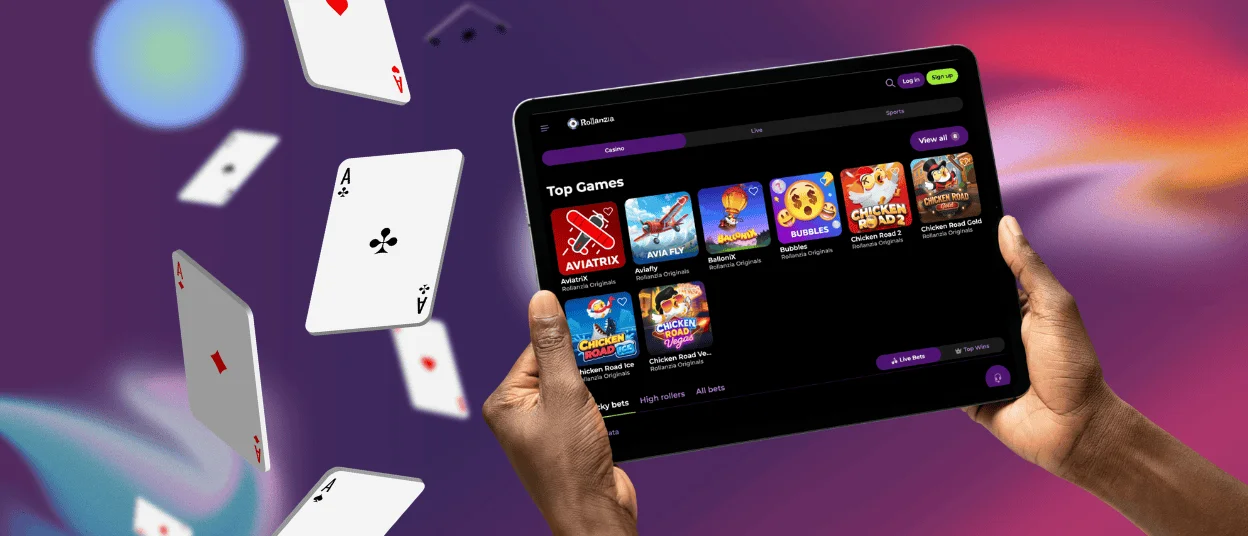
App for iPhone and iPad
If you have an iPhone or iPad, you can also download the Roll Anzia app with ease. The only difference from Android users is that you need a specific browser for installation to work: Safari.
- Open the Rollanzia Casino website.
- Click “Share”.
- Choose “Add to Home Screen”.
- Click “Add”.
Doing so will create a shortcut with the Rollanzia Casino icon on your home screen. If you can’t find the corresponding icon, you might be using a different browser. You can always contact our Support Team via live chat or email if you have any problems during the installation process.
App for Windows and macOS
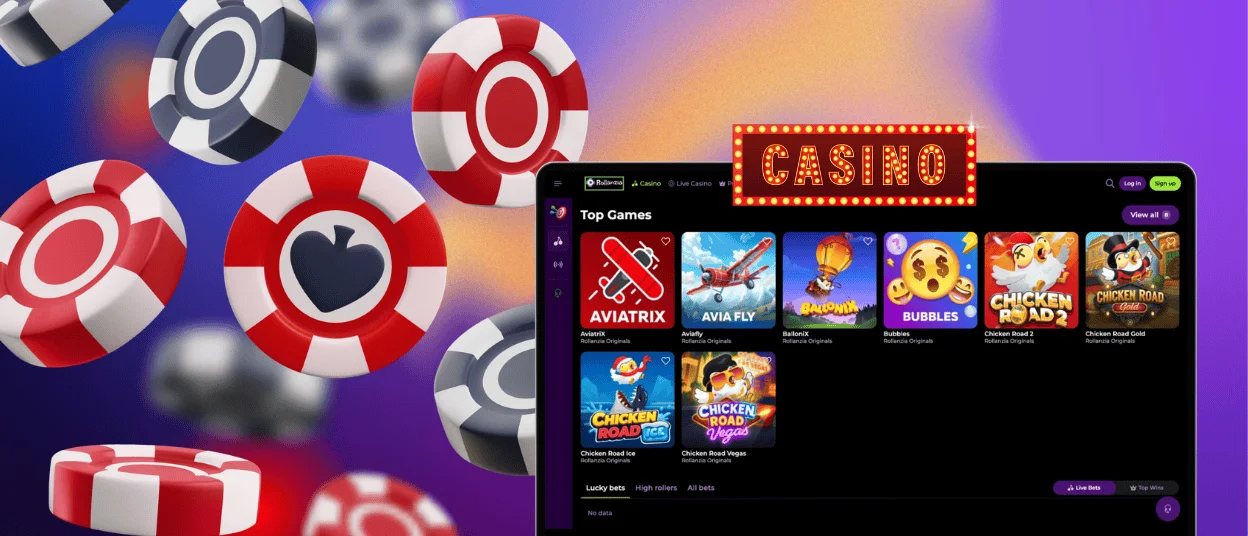
One of the greatest benefits of PWAs is that they are not restricted to smartphone or tablet use. Desktop and laptop users can also download our app directly from the Roll Anzia Casino website. You can either do it via the same three-dot menu or by clicking the dedicated icon in the address bar (depends on the browser).
If you are a MacBook owner, you can add our website to the Dock in Safari by clicking File in the menu bar and selecting the corresponding command.
FAQs
Do I need an account to download the Rollanzia app?
You don’t need an account to download our software, but you will need an account to use it. Luckily, you can register using the app—you don’t have to do it via browser.
How can I update the Rollanzia app?
Every time you launch our software, it updates automatically because it’s not stored on your device—it runs in the browser.
Are app permissions required for core functionality?
No, we don’t need access to any of your services that apps usually require.


